MCSE Exam Questions1.1
Publisher Description
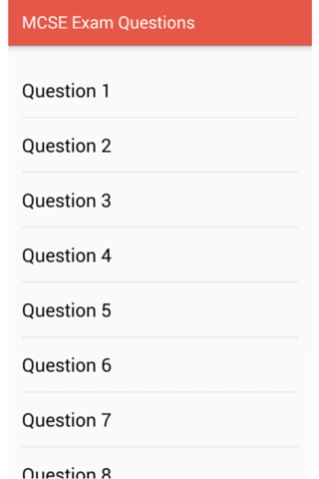
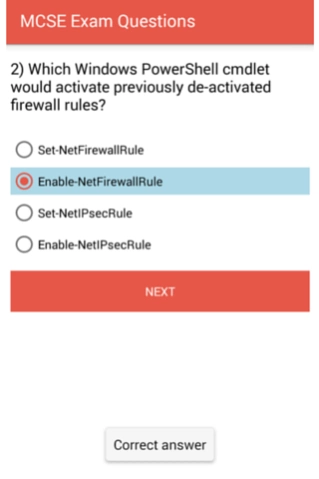
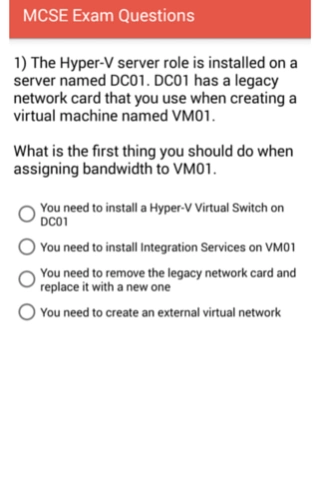
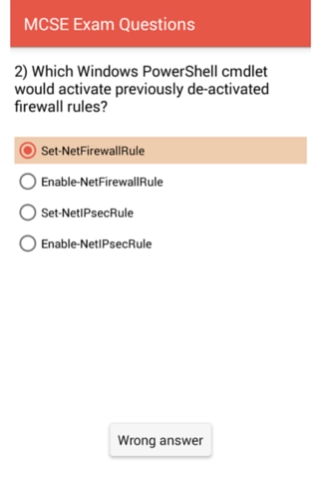
MCSA 70-410 Exam Practice Questions to Install and Configure Windows Server 2012
- Practice questions for Installing and Configuring Windows Server 2012
- All the practice questions are based on the real life experience
- It would help you prepare from the real Exam
- It would help you in developing good understanding about Windows Server 2012 R2
- It also helps you in clearing interviews based on Windows Server 2012 R2
- It helps you in increasing your understanding on Windows Server 2012 R2, Domain Controller, Hyper-V Server, Storage, PowerShell commands, DHCP Server 2012, DNS Server 2012, IP Subnetting and Supernetting, Forward Lookup Zonne, Reverse Lookup Zone, AD Integrated DNS, Primary DNS server, Secondary DNS Server, Stub Zone, Group Policy Implementation, Group Policy Preferences, Windows Firewall, Active Directory Forest
- Develop you understanding about User management and group management, Server Manager
- It also helps you in developing your understanding about Domain,Domain Controller,Member Server and Clients
- Understand the difference between 32 bit and 64 bit architecture
About MCSE Exam Questions
The company that develops MCSE Exam Questions is ITIngredients. The latest version released by its developer is 1.1.
To install MCSE Exam Questions on your Android device, just click the green Continue To App button above to start the installation process. The app is listed on our website since 2016-07-28 and was downloaded 4 times. We have already checked if the download link is safe, however for your own protection we recommend that you scan the downloaded app with your antivirus. Your antivirus may detect the MCSE Exam Questions as malware as malware if the download link to com.itingredients.admin.mcsetraining is broken.
How to install MCSE Exam Questions on your Android device:
- Click on the Continue To App button on our website. This will redirect you to Google Play.
- Once the MCSE Exam Questions is shown in the Google Play listing of your Android device, you can start its download and installation. Tap on the Install button located below the search bar and to the right of the app icon.
- A pop-up window with the permissions required by MCSE Exam Questions will be shown. Click on Accept to continue the process.
- MCSE Exam Questions will be downloaded onto your device, displaying a progress. Once the download completes, the installation will start and you'll get a notification after the installation is finished.
Program Details
System requirements
Download information
Pricing
Version History
version 1.1
posted on 2016-07-28
Minor changes to improve user experience
